Recharge Salik Before a Toll Trip and Confirm the Balance Has Updated
Published
Can you safely use the next toll gate? Only if the recharge appears in the correct Salik account and the displayed balance covers your planned crossings. A successful card payment or bank debit does not mean the balance has updated and is ready to use.
Key takeaways
-
Match the vehicle, tag and controlling Salik account before paying.
-
Choose a channel that provides a traceable receipt and lets you check the balance.
-
Save the transaction reference, then refresh the official account view.
-
Do not repeat a missing payment until its status is clear.
-
Decide whether to go, wait or contact support before departure.
Contents
What details do you need before starting a Salik recharge?
Before recharging Salik in Dubai, match the vehicle and tag to the intended Salik account. Confirm who controls that account and gather the identifiers requested by the chosen official or authorised channel.
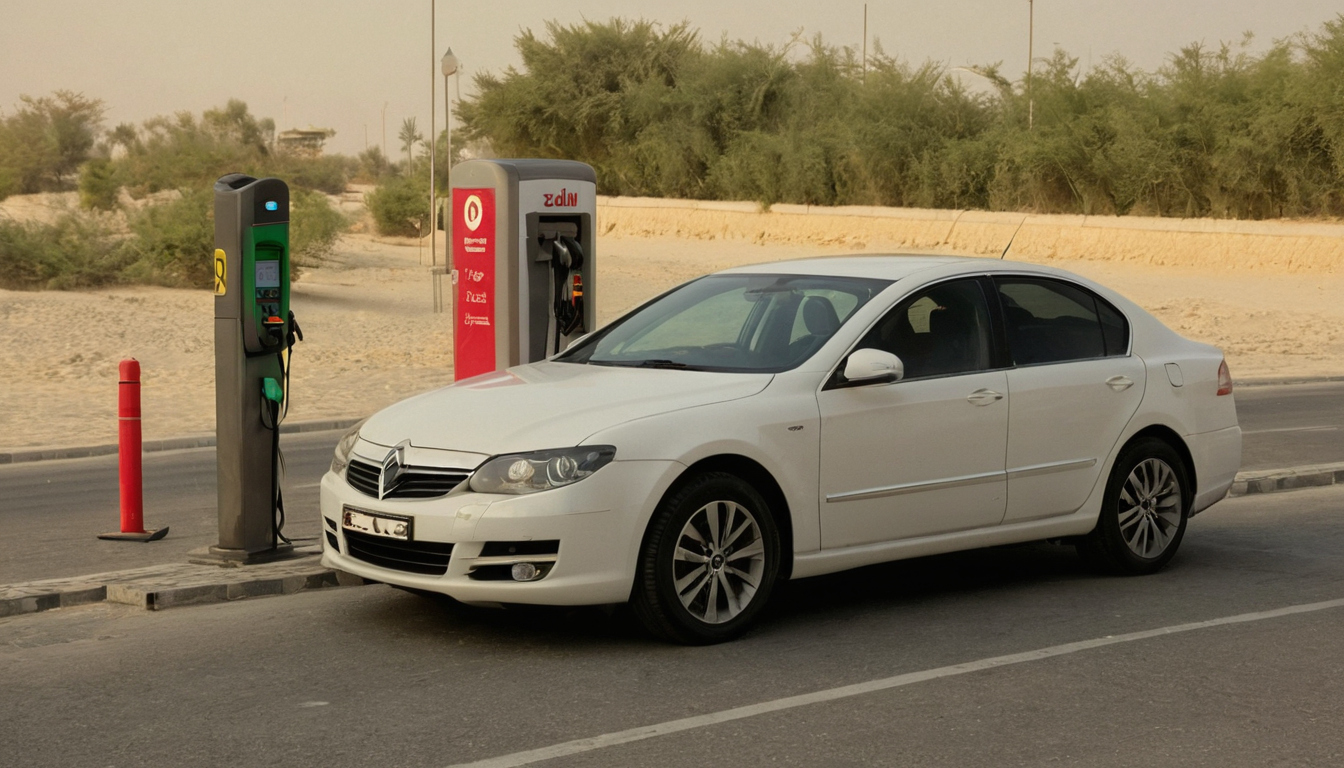
What details do you need before starting a Salik recharge shown as an editorial planning reference.
-
Confirm the vehicle: check the registration card or rental agreement rather than relying on memory. Note the plate number, issuing emirate, plate category and plate code where applicable.
-
Confirm the Salik relationship: establish whether the vehicle belongs to your personal account, another person’s account, a rental operator or a company fleet.
-
Prepare the relevant details: a recharge service may request login credentials, a registered mobile number, an account number, a PIN, a tag number or vehicle details. Enter only what the selected channel requests.
-
Match the tag and vehicle: if the account contains several vehicles or tags, check the displayed vehicle before paying.
-
Protect access details: do not send passwords, one-time codes or payment-card security details to another driver or an unverified payment agent.
The registration card is also useful for the wider Dubai car registration renewal process, but registration services do not confirm which Salik account controls the vehicle.
Can Salik be recharged by plate number alone?
Do not assume plate details alone will work across every recharge channel. A plate-based option, where shown by the current interface, may require the issuing emirate, plate category, plate code and plate number. The service may request another identifier or confirmation before accepting payment.
A recognised plate is not enough if the vehicle sits under a rental, fleet or another person’s account. Stop if the screen does not clearly identify the intended account or vehicle context. Do not substitute a similar plate or guess a missing tag number simply because the payment page accepts card details.
Who should recharge Salik for a rental or company vehicle?
The person or organisation controlling the Salik account should decide how the vehicle is recharged. For a rental, leased or company vehicle, check the agreement or ask the fleet administrator before paying. The operator may manage tolls centrally and recover them later, leaving the driver unable to view or change the underlying balance.
Once you know who controls the account, choose the recharge channel that gives you the strongest payment record and the clearest balance check.
Which Salik recharge channel should you use in Dubai?
Choose a Salik-operated website or mobile application when you need to recharge shortly before driving. Compare channels by the details required, available payment method, limits, fees, receipt and stated posting time. Payment approval alone does not confirm that the usable Salik balance has changed.
Salik-operated channels are the default choice when immediate verification matters
A Salik-operated channel keeps payment and account checking in the same place. Use the official Salik website or current official mobile application, then sign in or provide the account information requested on screen. Check that the displayed account and vehicle context match the trip you are preparing for.
Before a trip, choose a channel that provides a transaction reference and access to the updated balance. Check the payment methods, recharge limits and displayed charges before authorising the transaction because these terms can change. Save the receipt, then refresh or reopen the account instead of relying on a card notification.
Authorised bank and kiosk channels require their own posting and fee checks
A bank, kiosk, wallet or other provider may be convenient, but use it only if its current service information identifies Salik as a supported payment. Confirm the required identifier, applicable limits, possible fee and stated posting period.
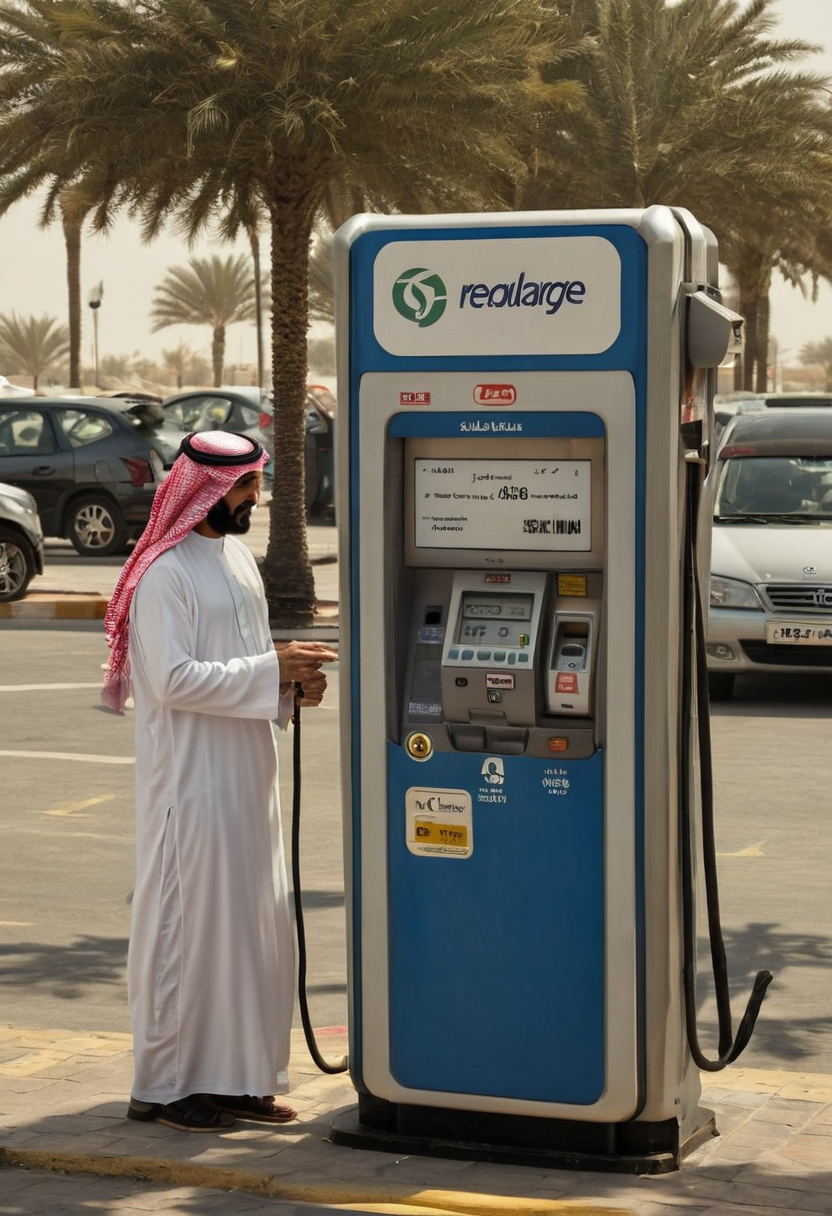
Which Salik recharge channel should you use in Dubai shown with practical context cues.
The receipt should contain enough information to trace the payment, including the provider reference, amount, date and destination account where available. If the provider cannot indicate when the recharge should appear, do not treat its receipt as proof that the balance is ready for another crossing.
How do you complete a Salik recharge online without using the wrong account?
A Salik recharge online is complete only after you select the correct account or vehicle context, check the amount, authorise payment and retain the confirmation. Website and app interfaces may use different login steps, labels and confirmation screens.
Review the Salik account and recharge amount before authorising payment
Follow the details displayed by the current interface rather than assuming a plate number, saved card or logged-in profile identifies the intended account.
-
Open the recharge service on the official Salik website or sign in through the official mobile application.
-
Enter or select the account, tag or vehicle details requested by that channel.
-
Choose a preset amount or enter a custom amount if the interface permits it.
-
On the review screen, match every visible identifier with the intended account or vehicle.
-
Select an offered payment method, complete any verification prompt and wait for the confirmation screen.
Do not authorise the payment if the account context is unclear. Return to the previous screen and correct the details. Recharge limits, payment options and repeated-transaction controls can vary by channel, so follow the values shown during the live transaction.
Save the Salik transaction reference and payment receipt
A bank notification shows that a payment was attempted or charged. It does not prove that the Salik balance has updated. Save the confirmation screen, transaction reference, amount, date, payment status and any available receipt.
If authentication fails, the card is declined, the session expires or the page closes before confirmation, check the Salik transaction history and payment account before trying again. The retained receipt gives you a record to compare with the displayed balance.
How do you confirm that the Salik balance has updated before driving?
Reopen or refresh the official Salik account view, confirm the correct account and vehicle context, match the posted recharge to the receipt and retain the transaction reference. Drive only after the usable balance appears.
The displayed Salik balance should be checked against the recharge receipt
The Salik account view should show a balance that reflects the completed recharge. Sign in again or refresh the screen rather than trusting a page left open before payment. A changed balance with a matching transaction-history entry is stronger evidence than a bank approval message.
Compare the receipt with the account name or number, amount, payment time and transaction reference shown in the account history. Check the transaction status too. A pending, failed or reversed entry does not establish that funds are available, even if the payment provider initially approved the charge.
Posting time can depend on the channel. If the selected channel gives a processing window, allow that period and refresh the official balance view. An SMS, email or payment notification may support the record, but the displayed Salik balance remains the practical pre-drive check.
A route check determines whether the updated balance is sufficient
The confirmed balance must cover the planned toll usage. Check the route for gates in each direction and allow for multiple crossings, diversions or a return journey. Check current gate information instead of relying on an old route estimate.
-
Confirm the Salik account and vehicle context.
-
Refresh the displayed balance.
-
Match the recharge amount and reference to the receipt.
-
Confirm that the transaction is successful, not pending or reversed.
-
Allow enough balance for every expected crossing.
If the receipt shows a completed payment but the correct account still shows the old balance, do not assume that another recharge will solve it.
What should you do when a completed Salik recharge has not appeared?
If a completed recharge is missing, do not pay again until you have checked the transaction status, selected account, payment record and current posting guidance.
Do not repeat a Salik payment until its status is clear
-
Refresh the Salik account and check its balance and transaction history.
-
Confirm that the account details match the intended vehicle or fleet arrangement.
-
Check whether the bank or payment provider shows the transaction as pending, completed, failed or reversed.
-
Keep screenshots and receipts for a duplicate charge, reversal or unconfirmed payment.
A pending card authorisation may still fail or reverse. Recharging again too quickly can produce two successful payments, while cancelling a card transaction does not necessarily alter a balance already credited by Salik.
Escalate a missing Salik recharge with a complete payment record
Use Salik’s current official support route after the processing period shown by the recharge channel. Prepare:
-
the Salik account and registered contact details;
-
the relevant vehicle or tag details;
-
the recharge amount, date and payment channel;
-
the transaction reference and receipt;
-
proof of the bank charge or payment status.
If the balance went to the wrong account, contact support rather than attempting a transfer or assuming that the credit can be reversed. Keep the complaint reference and follow the published tracing or dispute process.
A Salik balance should be verified before the next Dubai toll crossing
Before driving through a Dubai toll gate, check that the balance shown on the correct Salik account covers the planned crossings and that any recent recharge has posted.
Insufficient Salik balance is governed by current Dubai toll rules
Salik’s current rules determine how an underfunded crossing is treated, whether adding balance later can remedy it and when a violation may apply. Check the current account notice or official support guidance rather than relying on an old grace-period summary.
-
Go: the correct account shows the recharge and enough balance for the intended route.
-
Wait: the payment succeeded, but the displayed balance or transaction history has not updated.
-
Contact support: the account, amount or payment status is unclear, or the crossing is imminent.
Keep the receipt, transaction reference, time, amount, account details and a screenshot of the balance. Do not assume that a later recharge automatically clears every earlier crossing until the account record confirms the treatment.
Rental and fleet drivers should verify the operator’s Salik process
Rental, leased and company vehicles may use an account controlled by the operator rather than the driver. The operator may also apply contractual administration charges separately from Salik tolls. Ask who receives crossing notices, how tolls are billed and how to obtain the trip record before departure.
For a separate vehicle-payment task, check a Dubai RTA fine through the correct portal. For this trip, drive only after the relevant Salik balance view supports a clear go decision.
Frequently asked questions
Can I recharge Salik online?
Yes. Use the official Salik website or current official mobile application and follow the account, payment and confirmation steps shown by that channel. Save the receipt and verify the updated balance before driving.
How do I know whether my Salik balance has updated?
Refresh or reopen the correct Salik account and compare the displayed balance and transaction history with the recharge receipt. A bank debit alone does not confirm that the credit is available.
What happens if I pass a Salik gate without enough balance?
The result depends on Salik’s current rules and the circumstances of the crossing. Check the current account notice or official support guidance promptly instead of relying on an older summary of remedy periods or violation conditions.
Can I get a refund or reversal for an incorrect Salik recharge?
Do not assume that an incorrect recharge can be transferred or reversed automatically. Retain the receipt and transaction reference, then contact Salik through its current official support route for the applicable tracing or dispute process.
Can I recharge Salik using only a vehicle plate number?
Do not assume that every channel supports a plate-number-only recharge. Use the identifiers requested by the live interface and continue only when the displayed account or vehicle context is clearly correct.
Related guides
More practical Dubai how-tos: all guides.